Computerized vs. Mechanical Sewing Machines: Which Controls Suit You?
The main difference is how you choose and control a stitch, not whether the machine uses electricity.
Mechanical machines use dials and levers. Computerized machines use buttons, a screen, or both, and may add speed control and more guided choices.
Is computerized better? Only when you will use what your exact model adds, such as a speed limit for slow practice, a Start/Stop button, or more stitches. For a short list of repairs and hems, a mechanical machine is the simpler choice.
Choose a priority to highlight the closer control style.
See the beginner pickWorking with thick seams? Check the complete seam, needle and feed requirements before choosing controls.
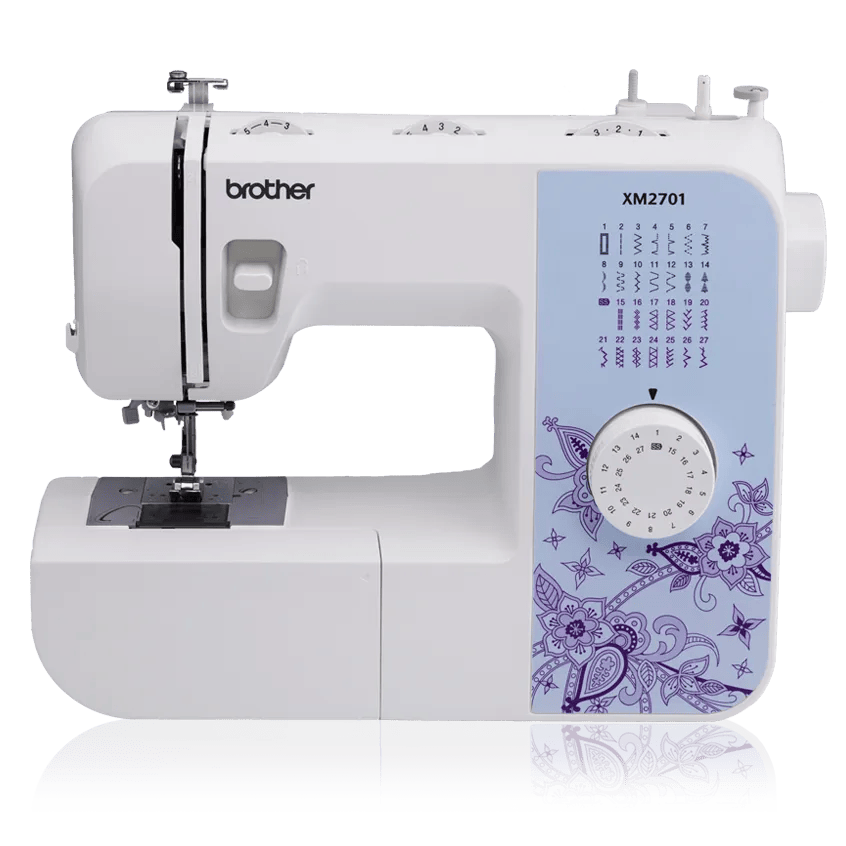
Mechanical sewing machine
The clearer fit when you want a few common stitches and controls you can see at a glance.
- Stitch settings move with physical controls
- No screen or menu is needed
- The foot pedal still powers sewing speed
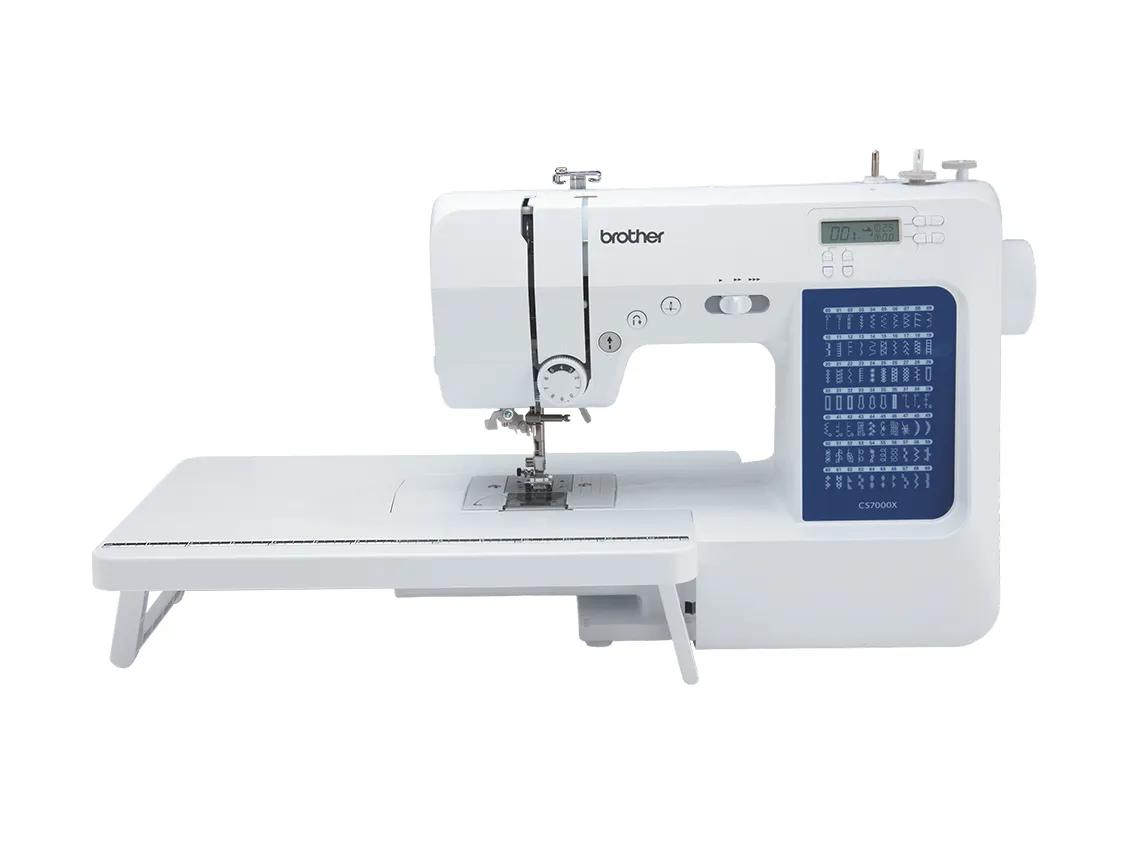
Computerized sewing machine
The clearer fit when speed control, more stitch choices, and on-screen settings help your work.
- Buttons select settings shown on a screen
- Many models add a speed slider
- Stitch range and prompts vary by model
A. At a Glance
Choose the controls you will use, not the longer feature list.
Mechanical fits when
- You repeat a small set of basic stitches
- You prefer a dial over a screen
- You want every setting visible before you sew
Tradeoff
There may be fewer stitch choices and less built-in guidance.
Computerized fits when
- You want a speed slider for slow practice
- You use more stitch or buttonhole choices
- You like a screen that shows the active setting
Tradeoff
More choices can feel like extra work when you need only a few stitches.
B. The Practical Differences
These are control patterns, not rules for every model.
| Decision | Mechanical | Computerized |
|---|---|---|
| Stitch choice | A dial or lever moves to the setting. | Buttons select a setting shown on a screen. |
| Active setting | The control position stays visible. | The display shows the active choice. |
| Speed control | The foot pedal is usually the main control. | Many models add a speed slider, but check the exact model. |
| Stitch range | A shorter list often covers utility sewing. | A longer list may add decorative stitches and lettering. |
| Guidance | Settings rely more on the manual and control marks. | The screen may show a stitch number, foot, or warning. |
| Best fit | Direct controls for a small set of repeated jobs. | More guided control for varied projects. |
C. What Changes While You Learn
Two exact models, from their Brother manuals.
| While learning | Mechanical: Brother XM2701 | Computerized: Brother XR9550 |
|---|---|---|
| Choosing a stitch | Turn the pattern dial; length and width have their own dials. | Press keys to set a stitch number on the LCD; +/- keys change length and width. |
| Going slowly | Press the foot pedal lightly. There is no speed limit control. | A speed slider caps the top speed, including the pedal's. |
| Sewing without the pedal | Not possible: the pedal starts and stops every seam. | A Start/Stop button sews when the pedal is unplugged. |
| Raising the needle | Turn the handwheel by hand. | Press the needle position button. |
| When a setting is wrong | Work through the troubleshooting table in the manual. | The screen shows an error, for example when the presser foot is up or the buttonhole lever is in the wrong place. |
| Buttonholes | One one-step style. | Eight one-step styles. |
Both have a built-in needle threader, a top drop-in bobbin and a free arm, so those do not separate the two styles. The computerized CS7000X example also has a speed slider, an LCD that names the presser foot to use, and on-screen error messages.
What the warranty covers
Brother's standard US warranty on all three examples covers the chassis casting for 25 years, electronic parts and circuit boards for 2 years, and other parts and labor for 1 year. Labor to replace a circuit board is charged to the owner.
Why that matters more for computerized
On a computerized model the screen, keys and stitch selection are electronic, so more of what you use every day sits under the 2-year term. Before you buy, find your nearest Brother authorized service center and check that the seller is an authorized reseller, since Brother may not cover machines sold by others.
New to sewing?
Pick the control style first, then match one of three beginner machines to your first projects.
D. Job-by-Job Fit
The better control style changes with the work.
| Job or need | Closer fit | Why |
|---|---|---|
| Basic hems and repairs | Mechanical | A few direct stitch choices may be all the job needs. |
| Slow beginner practice | Computerized | A model with a speed slider can cap the top speed. |
| First quilts | Computerized | Speed control and guided settings can help, but the exact package still matters. |
| Decorative stitches | Computerized | Computerized models often provide more choices and a visible selection. |
| One repeated utility stitch | Mechanical | A physical control can keep the setup direct. |
| Thick daily production | Another class | Control style does not replace the right feed, build, and service path. |
E. Checked Examples
These links are examples, not a full product ranking.
Brother XM2701
Use this as the direct-dial reference for basic sewing and repairs.
Brother CS7000X
Use this as the speed-control and beginner-quilting reference.
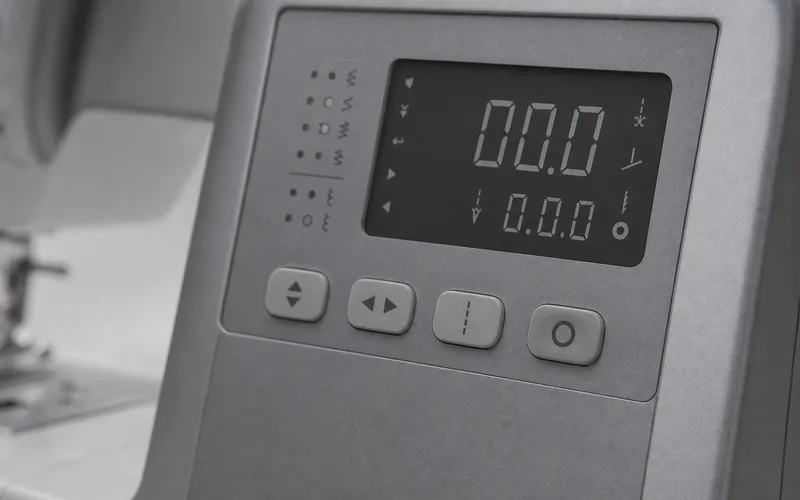
Brother XR9550
Use this as the broader stitch-choice and lettering reference.
F. When Control Style Is Not the Main Question
Thick stacked layers
Feeding, clearance, and the full seam stack matter more than dials or a screen.
Check needle, feed and workload limitsHoop embroidery
Decorative sewing stitches do not replace an embroidery field and hoop system.
See embroidery machinesSimple machine sorting
Start at the sewing hub when the project or material is still the open question.
Browse sewing machine pathsG. Final Choice
Choose the simpler path that covers your real work.
Choose mechanical if
- You use a short list of stitches
- You prefer visible dial positions
- You do not need a speed slider
Choose computerized if
- You want guided settings
- You value slow speed control
- You will use the added stitch choices
Choose another class if
- Thick work is the main job
- You need hoop embroidery
- You sew the same hard seam all day
Other brands on both sides
The three examples here are Brother models because one maker's lineup shows both control styles clearly. For other brands, the six-job sewing shortlist includes the computerized Singer Quantum Stylist 9960 and the mechanical Janome HD3000.
Sources and limits
Model facts come from Brother's product pages, operation manuals and warranty, checked September 30, 2026. We have not tested these machines. Features vary by exact model, so “mechanical” or “computerized” alone does not settle the full machine choice.
- Brother XM2701 Operation Manual: dials, foot controller, handwheel, buttonhole (printed pages 5, 7, 36-37)
- Brother XR9550 Quick Reference Guide: speed controller, needle position and Start/Stop buttons
- Brother XR9550 Operation Manual: Start/Stop, speed slider, error messages (printed pages 7, 10, 71)
- Brother CS7000X Operation Manual: LCD, speed controller, error messages (printed pages 4, 6, 30)
- Brother Limited Warranty (Standard): linked from all three product pages